
If you have decided that Dibsido is no longer the right fit for you, you can delete your account directly from the application. This process will permanently remove your account or your entire organization from Dibsido, depending on your role.
How to delete your account
Log in to Dibsido: Sign in to your Dibsido account.
Open My Account: Click on the user icon in the bottom-left corner of the application and select "My Account."
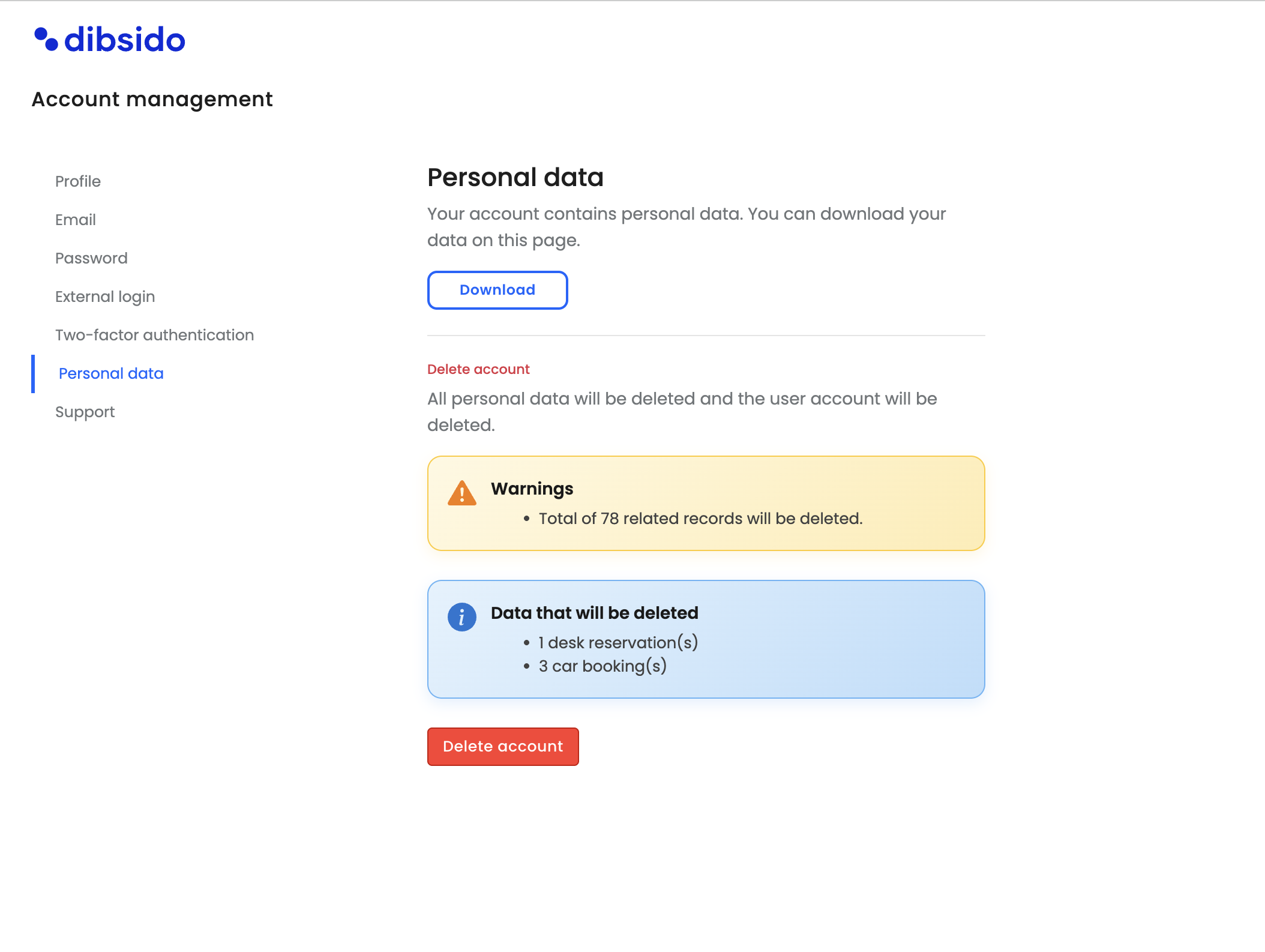
Go to Personal Data: Navigate to the "Personal Data" section.
Delete your account: Click the delete option. This will permanently remove your account from Dibsido. If you are the owner of the organization, this action will delete your entire organization and all associated data.
Summary
You can delete your Dibsido account at any time through My Account > Personal Data. Please note that this action is permanent and cannot be undone.