
When you invite colleagues to a meeting room booking, you can let them edit the reservation with you. The option is off by default.
Turn on editing for invited colleagues
Open the booking sidebar: Go to Meeting rooms and open a new booking, or edit an existing one. See How to book a meeting room.
Invite colleagues: Under Invite users, keep "Colleagues" selected and choose people with "Select users".
Allow editing: After at least one colleague is selected, turn on "Allow guests to edit reservation".
Book or save: Click "Book meeting room", or save if you are editing.
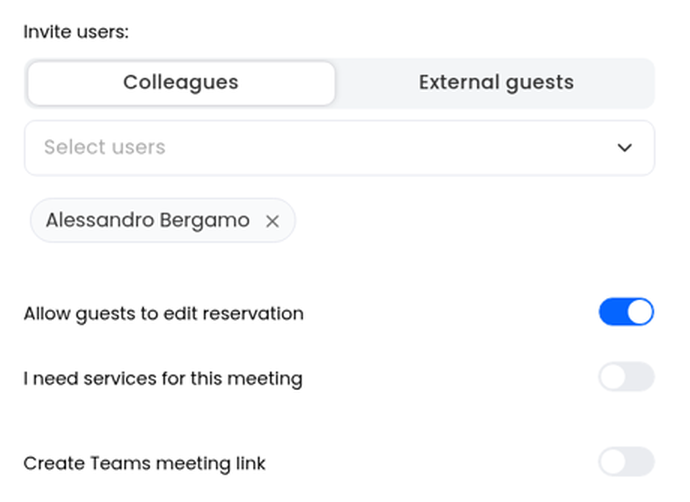
Invited colleagues can then edit the reservation. The toggle stays off unless you turn it on.